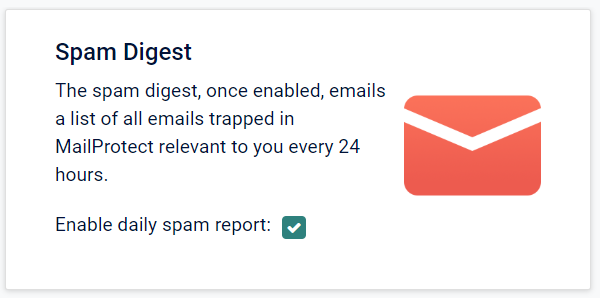
On the Address Settings page you will be able to opt in or out to receive spam digest emails & see read-only information for the email addressees associated with your account for diagnostic purposes.
To opt in to receiving spam digest emails, please simply tick the box. This can later be un-ticked if you wish to stop receiving the emails.
Users in establishments with their own mail servers
If users in such establishments wish to receive spam digests, they can only do so by sending an email to AdEPT Education.
To enable spam digests for an individual user, that user must email ADT-digests@wavenet.co.uk and enter the following in the subject line of the email: Enable spam digests.
Digests will then be sent to the requesting individual and they can release blocked emails from these.
To disable spam digests if enabled, the user must email ADT-digests@wavenet.co.uk and enter the following in the subject line of the email: Disable spam digests.
Under these circumstances users do not have the ability to log in to the MailProtect website.